Books, chapters, sections
Everything in Quillard is three levels deep: a book holds chapters, and a chapter holds sections. A section is the unit you actually write in — a scene, a passage, a day’s work — and it is small enough to move without fear.
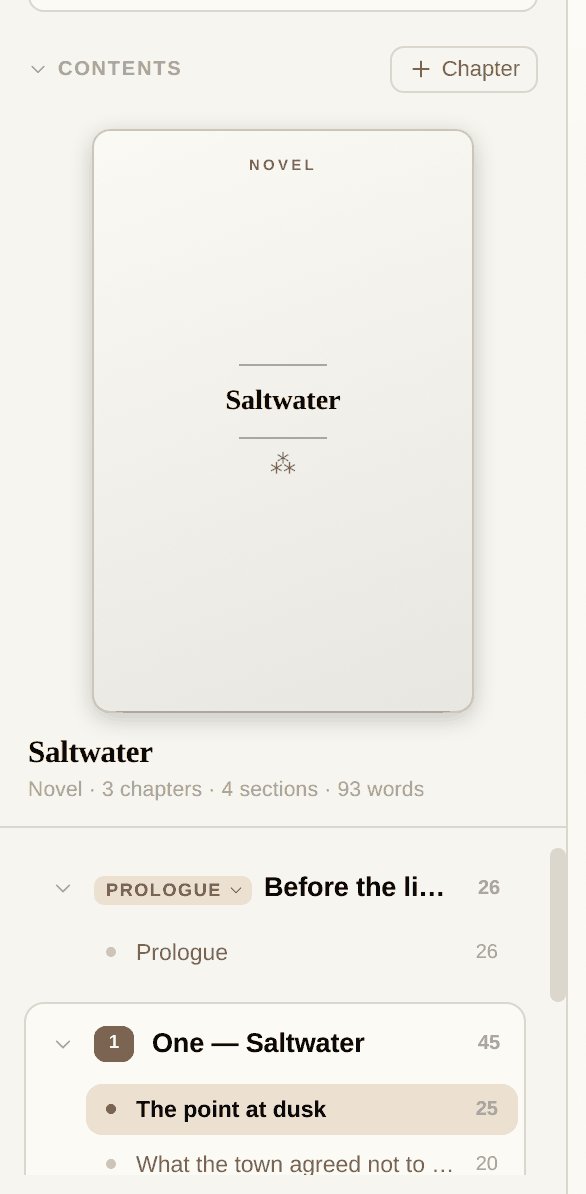
Double-click any name to rename it in place. The tools that appear on hover move a chapter or section up and down, or delete it — and a deletion goes to the bin rather than out of the world. Counts are live at every level.
Adding to a book
The + Chapter button sits in the contents header, and a New chapter button repeats it at the foot of the list. A new chapter opens with its name ready to type over.
Chapters have kinds — prologue, part, chapter, interlude, epilogue — chosen from the small tag beside the name. Only chapters are numbered; front and end matter are not, which is what you would want and rarely what you get.
Seven kinds of work
A new work starts in the right shape: novel, short story, poetry collection, screenplay, essay, report or blog post. The kind sets the block types you are offered, how the jacket is printed, and how the thing exports.
Screenplays get the full set of block types and a small kindness besides: type a character name and it suggests the ones already in the book.
Covers and jackets
A book can have a front and a back cover. Drag a picture straight onto the cover in the sidebar, or open it and choose a file.
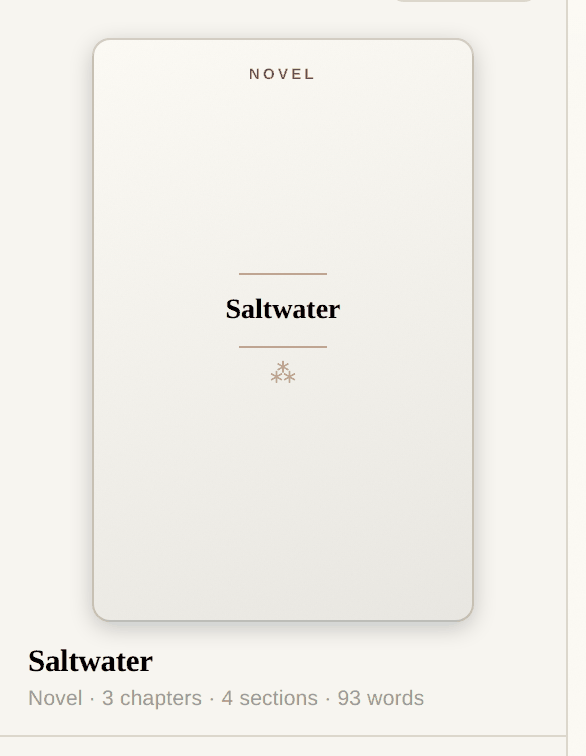
A book without a cover is not left blank. Quillard prints a letterpress title page for it — the kind in small caps, the title between two rules, a printer’s ornament, and a cloth colour drawn from the title itself. It is a real jacket, not a placeholder.
Finding things
One search box, at the top of the shelf, covers books, chapters, sections and the writing inside them. Results say what each thing is and exactly where it lives.

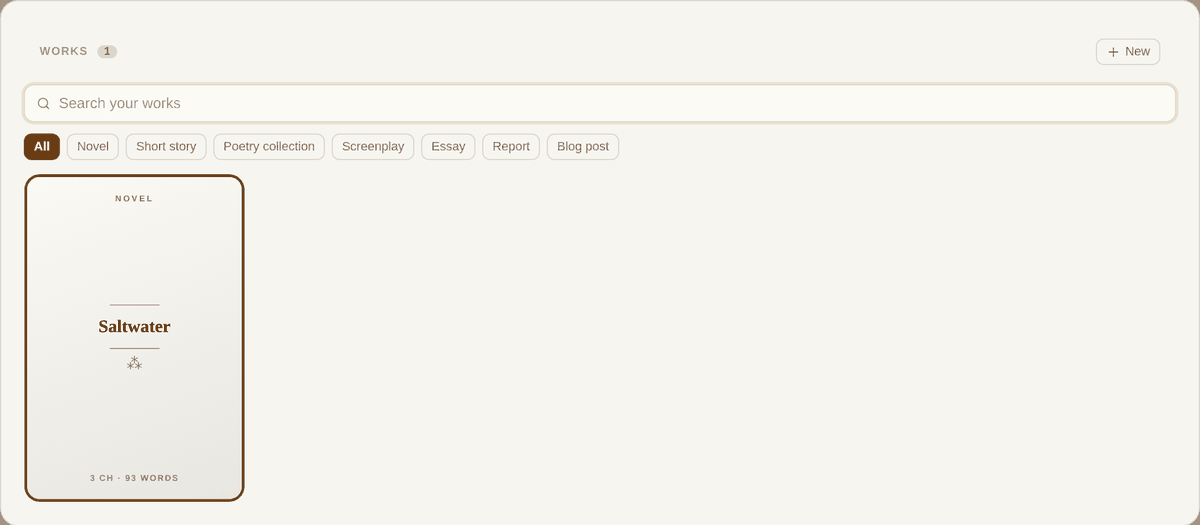
⌘⇧B opens every work at once as a wall of jackets, with filters by kind. Anything you have touched in the past month is listed in the sidebar under Recent works, which is usually the faster way back.